
Download Alarm Clock by doubleTwist – Alarm App & Heart Rate, Gentle Wake & Math Questions
Overview
Alarm Clock by doubleTwist is a free Android application designed to help users wake up more naturally and improve sleep quality. Developed by doubleTwist ™, the app targets individuals seeking a personalized and gentle approach to morning routines. It is particularly recommended for light sleepers who may struggle with abrupt alarm sounds.
The app aims to address common challenges such as oversleeping, grogginess upon waking, and difficulty falling asleep. By integrating features like heart rate monitoring, nature sounds, and cognitive wake-up prompts, it supports users in transitioning from sleep to alertness with reduced stress. Real-world usage scenarios include daily wake-up routines, sleep tracking, and setting custom alarms for work, school, or personal schedules.
The app is positioned as a lifestyle tool rather than a technical utility, focusing on user well-being and behavioral habits.
Key Features & Capabilities
- Heart Rate Monitoring – The app uses the device’s sensors to monitor heart rate during sleep, providing insights into sleep quality and helping users understand their natural wake-up window.
- Gentle Wake Feature – Instead of loud alarms, this feature gradually increases sound volume and light intensity to simulate a natural sunrise, easing users into wakefulness.
- Math Questions for Wake-Up – To prevent oversleeping, users must solve a simple math problem before disabling the alarm, encouraging mental alertness upon waking.
- Nature Sounds Library – A curated collection of calming sounds such as rain, ocean waves, and forest ambiance helps users fall asleep faster and promotes relaxation.
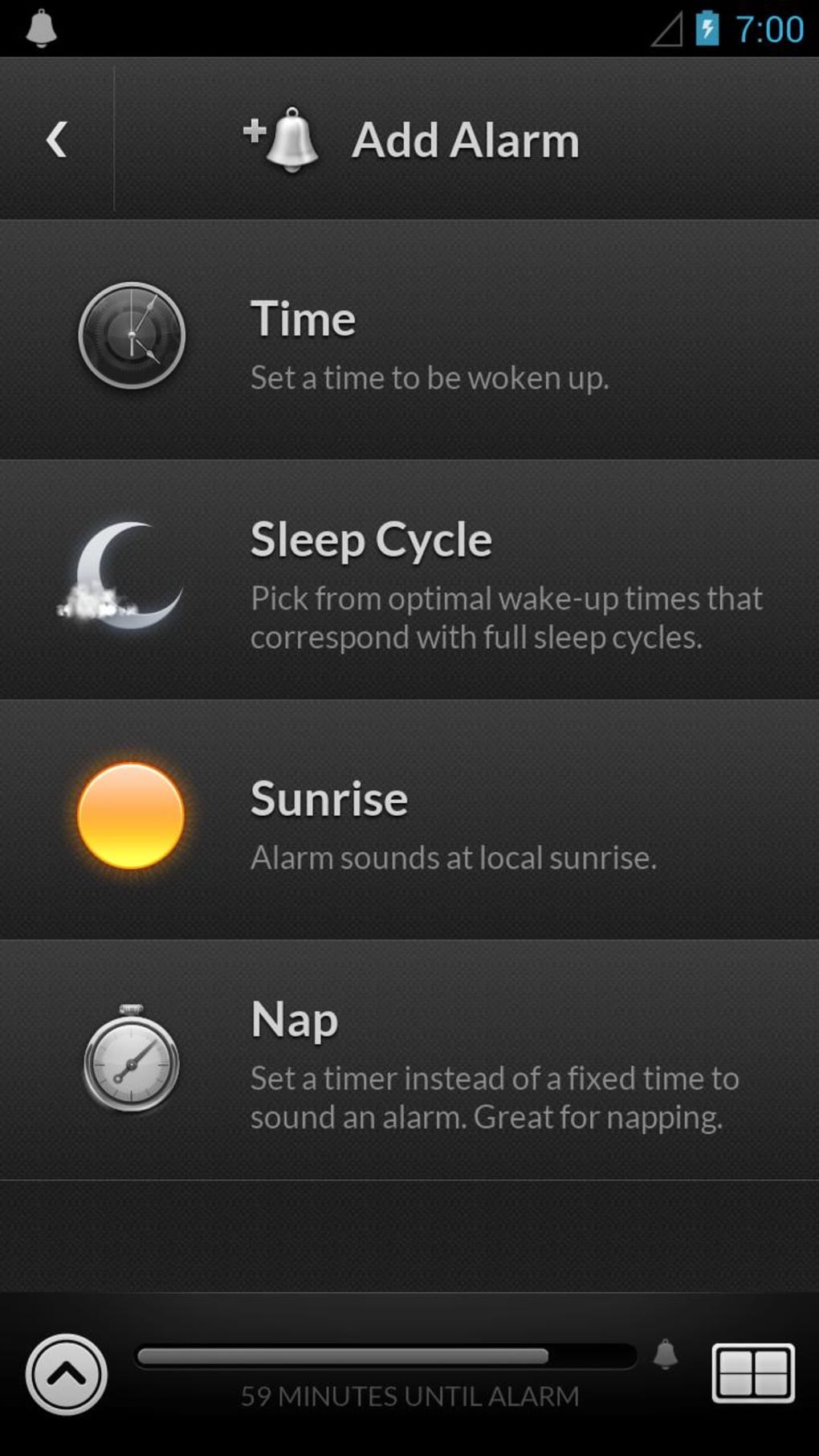
- Customizable Alarm Schedules – Users can set multiple alarms with personalized tones, repeat patterns, and snooze options tailored to daily routines.
These features are designed to support users in establishing healthier sleep habits. For example, the gentle wake function can be used by individuals who experience morning fatigue, while the math question feature helps prevent accidental re-snoozing. The nature sounds are ideal for users who find traditional alarms disruptive, especially in shared living environments.
User Interface, Workflow & Performance
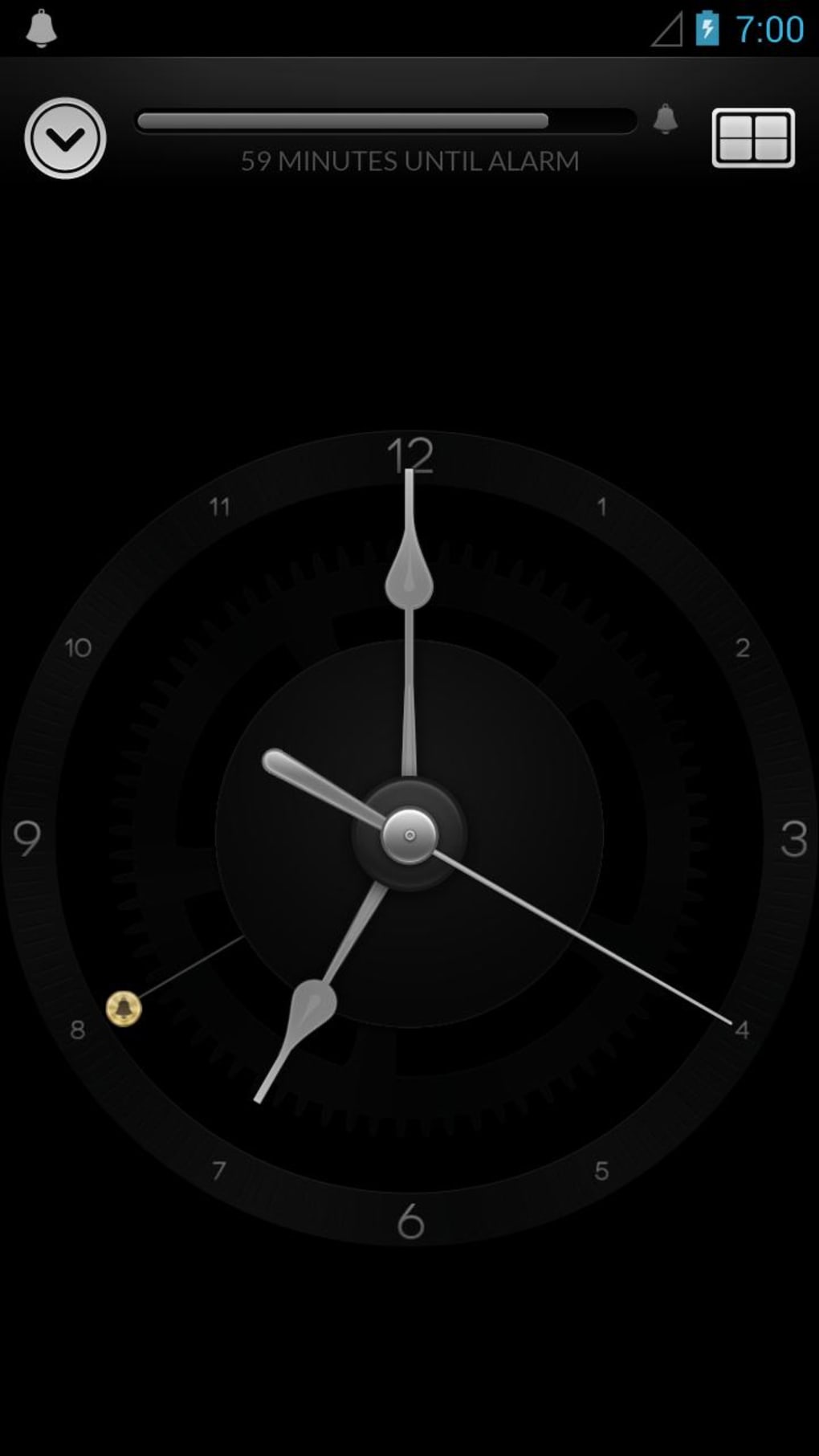
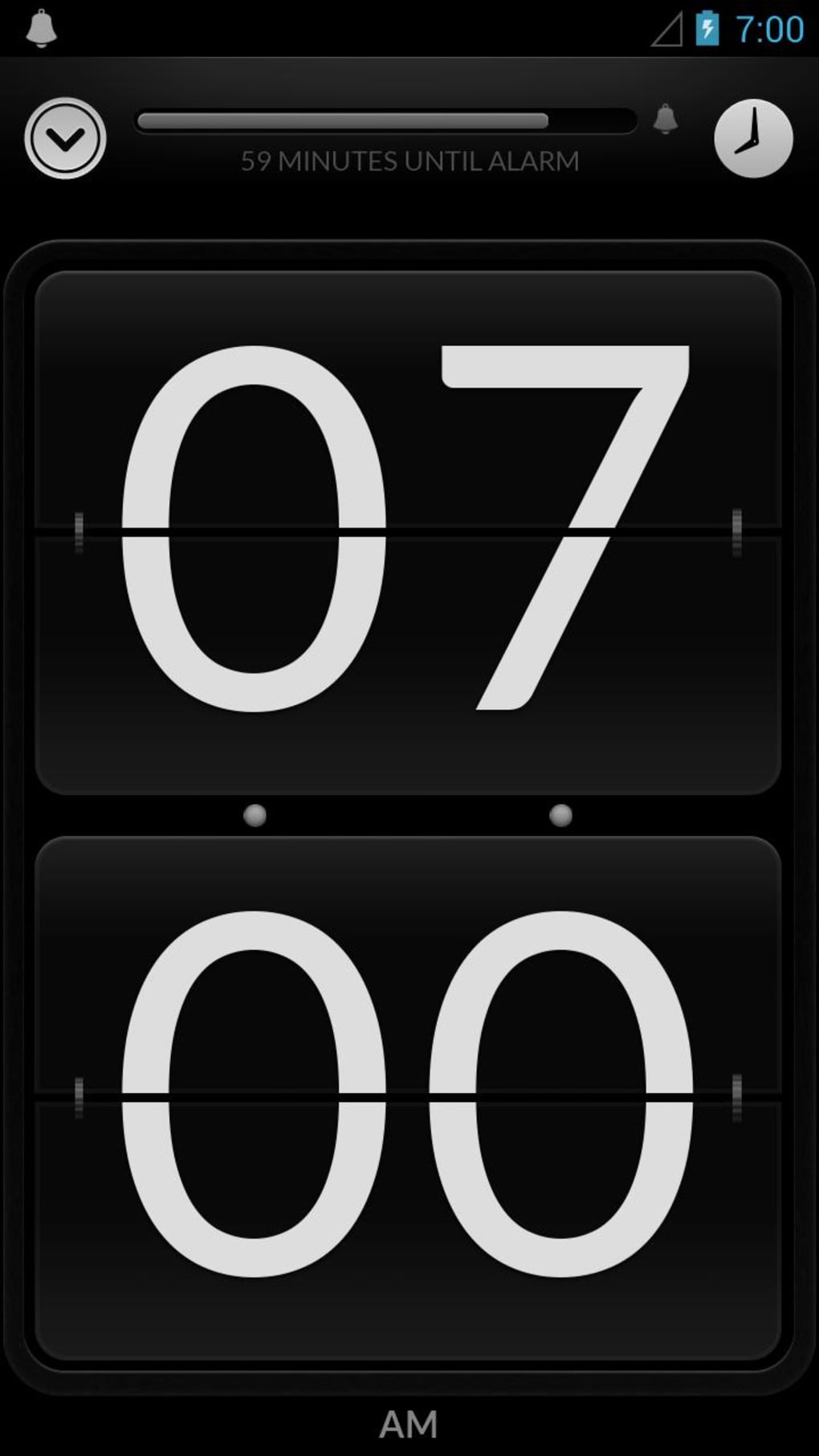
The user interface of Alarm Clock by doubleTwist is designed with simplicity and visual clarity in mind. Navigation is intuitive, allowing users to access alarm settings, sleep tracking, and sound preferences through a clean, icon-based layout. The workflow is streamlined, enabling quick setup of alarms and adjustment of preferences without requiring technical knowledge.
The app maintains a consistent performance pattern across devices, with no reported lag or crashes in standard usage. However, exact performance details such as CPU or RAM consumption were not specified by the developer. Stability is maintained during regular use, and the app functions reliably when used for daily alarm management.
Users can expect a smooth experience when setting up alarms or switching between sound modes. The developer did not provide additional system requirements or performance benchmarks.
Compatibility & System Requirements
Alarm Clock by doubleTwist is available for Android devices. The app is designed to run on a wide range of Android versions, though specific OS compatibility details were not listed. Installation size is not specified in the provided information.
The developer did not disclose exact hardware requirements, including minimum RAM or processor specifications. Compatibility with older or newer Android models is assumed based on general app distribution patterns. Users are advised to check their device’s compatibility through the Google Play Store.
The developer did not provide additional system requirements.
Pros and Cons
Pros
- Free to download and use with no in-app purchase pressure
- Offers gentle wake-up methods that support natural sleep cycles
- Includes nature sounds for relaxation and sleep aid
- Math-based wake-up challenge helps prevent oversleeping
- Heart rate monitoring provides sleep quality insights
Cons
- Only available for Android, not compatible with desktop systems
- Some users report missing wake-up calls due to delayed response
- Limited customization options for desktop-style clock displays
- No offline mode for heart rate tracking reported
- App may require frequent updates to maintain compatibility
FAQ Section
Is Alarm Clock by doubleTwist available for desktop?
The app is currently designed exclusively for Android devices and is not available as a desktop application.
Can I use the app without an internet connection?
Basic alarm functions can be used offline. However, features like heart rate monitoring and cloud-based sound libraries may require internet access.
Does the app track sleep duration?
The app monitors heart rate during sleep and uses this data to estimate sleep quality, but it does not explicitly track total sleep duration.
Is the app safe to use with health data?
As a personalization app, it collects minimal health-related data. The developer did not provide detailed privacy policies or data encryption practices.
How often does the app update?
Regular updates are released to improve functionality and compatibility, but the update frequency is not specified.
Final Thoughts
Alarm Clock by doubleTwist offers a thoughtful blend of wellness-focused features tailored for users who want a gentler, more mindful approach to waking up. Its emphasis on heart rate monitoring, nature sounds, and cognitive wake-up challenges sets it apart from standard alarm apps. While it lacks desktop compatibility and has reported issues with missed alarms, its free access and intuitive design make it a strong choice for Android users.
The app is ideal for light sleepers, individuals seeking better sleep hygiene, and those who prefer a natural wake-up experience. With its unique combination of functionality and user-centric design, it stands out in the personalization category. Download Alarm Clock by doubleTwist now.





.png)

